Read what the prompt asks the image to preserve. If it refers to your face, supply an identity photo. If it also asks to reproduce another image's pose, clothes or panel layout, identify that visual reference separately. A selfie can provide a face; it does not explain an unseen composition. Do not assume every Faymas prompt needs the same inputs.
This is a reading checklist, not a claim that a particular image model reproduces faces perfectly. The examples below were inspected as published text; no generation success rate was measured.
Two prompts can mean different things by “reference”
A published car-side portrait prompt asks to retain the person from a reference image, but also preserve framing, headroom and subject size within a vertical composition. Our reading: the reference carries more than facial identity. Before substituting a tightly cropped selfie, check whether the composition instructions still have a visible source.
A published three-panel portrait prompt explicitly separates the person's identity photo from the visual reference. It assigns the face to the identity photo and the clothing, pose, lighting and collage arrangement to the other image. Our reading: these are two visual jobs, even if the text repeatedly uses the singular word “reference.”
The basic browsing workflow is to inspect a prompt's example output, copy the text and use it in an AI tool, adding a reference photo when required. That short workflow leaves a practical question: which parts of the result depend on an image rather than on the words alone?
Make an input map before generating
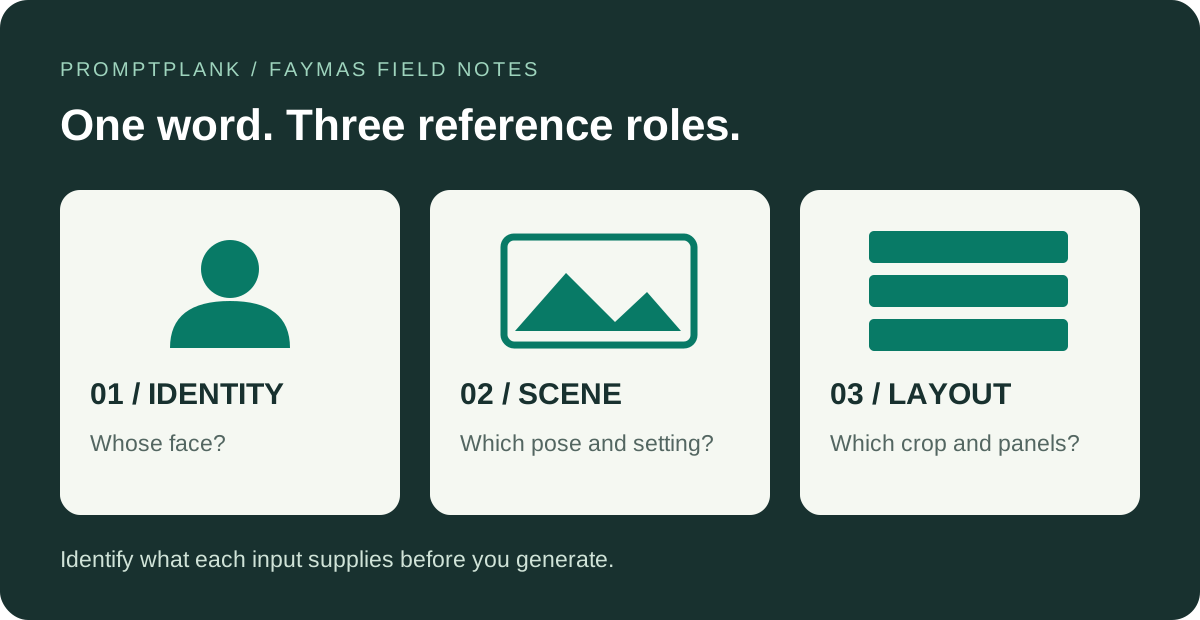
Our recommendation is to annotate the prompt in three passes. First mark the person it must retain. Next mark anything it must copy from an existing scene. Finally mark the arrangement of the finished image. This turns a long description into a short list of inputs you can actually check.
| Reference role | Question to answer | Before you continue |
|---|---|---|
| Identity | Whose face is meant to remain recognizable? | Identify the photo that supplies that person. Do not silently use the example subject as a substitute. |
| Scene | Where do the pose, clothes and surroundings come from? | Check whether they are described in words or delegated to a separate picture. |
| Layout | What defines the crop, panel count and subject placement? | Resolve instructions that point to an unseen layout before asking for a matching result. |
A useful stop rule: if you cannot point to the source for a required visual detail, mark it as missing. Either obtain an image you are allowed to use or choose a prompt whose inputs you can supply. Adding stronger adjectives does not identify a missing reference.
Check the result in separate passes
Use the following review order as an editorial checklist, not as a model benchmark. A result can look attractive while missing the particular job you asked it to do.
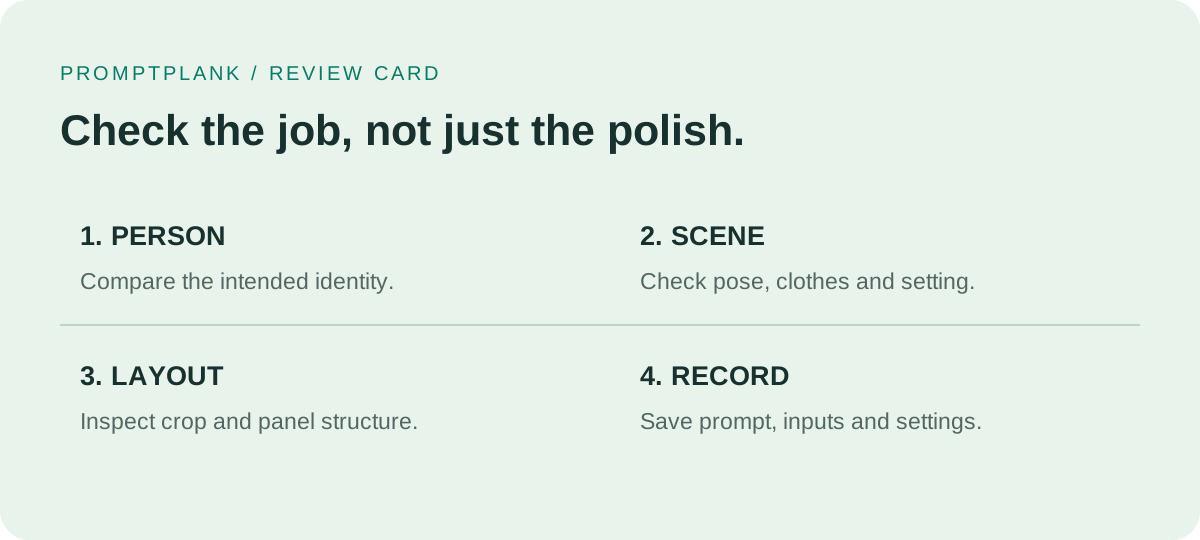
- Person: compare the face with the intended identity photo. Record what changed instead of writing only “looks wrong.”
- Scene: compare the required pose, clothing and surroundings with their assigned source.
- Layout: check panel count, crop and placement independently of how polished the lighting looks.
- Record: save the exact prompt, input files, tool and settings alongside the output. Label any altered version so it is not confused with the original attempt.
If the face is acceptable but the panels are arranged incorrectly, record a layout mismatch. If the composition is right but the person is different, record an identity mismatch. Keeping these observations separate makes your next change explicit without claiming that a single wording adjustment is guaranteed to fix it.
Questions before you copy
Do all Faymas prompts require two images?
No fixed image count follows from the examples above. Read the particular prompt. The important distinction is the role of each reference, not a universal requirement to upload two files.
Does an example output prove I will get the same face?
Treat the example as something to inspect, not proof that your different inputs will produce an identical result. This guide does not measure face preservation or certify a model's reliability.
What if I publish my own prompt?
Keep the complete prompt that produced your output and verify that the two match. Publishing guidance allows up to four images in one prompt post and asks for meaningful differences rather than near duplicates. Only publish material you created or have permission to publish; do not present another creator's prompt or image as your own.
For the broader workflow, read our Faymas overview. This guide is independent and is not affiliated with Faymas.